Gist Snippet
An IntelliJ Platform plugin that provides a tool window for browsing, creating, editing, and inserting GitHub Gist snippets without leaving the IDE.
Features
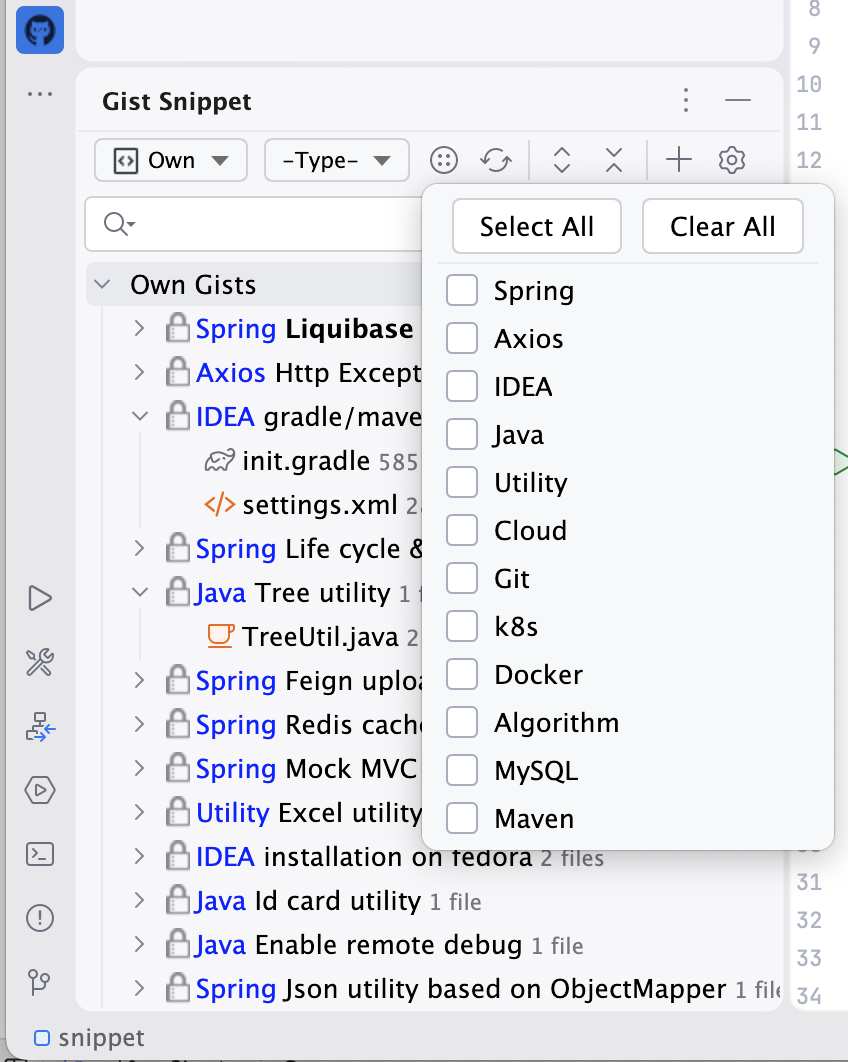
- Browse gists — View your own gists or starred gists in a persistent tool window.
- Filter & search — Filter by visibility (public/secret), tags, or a full-text search across title, description, tags, filename, and content.
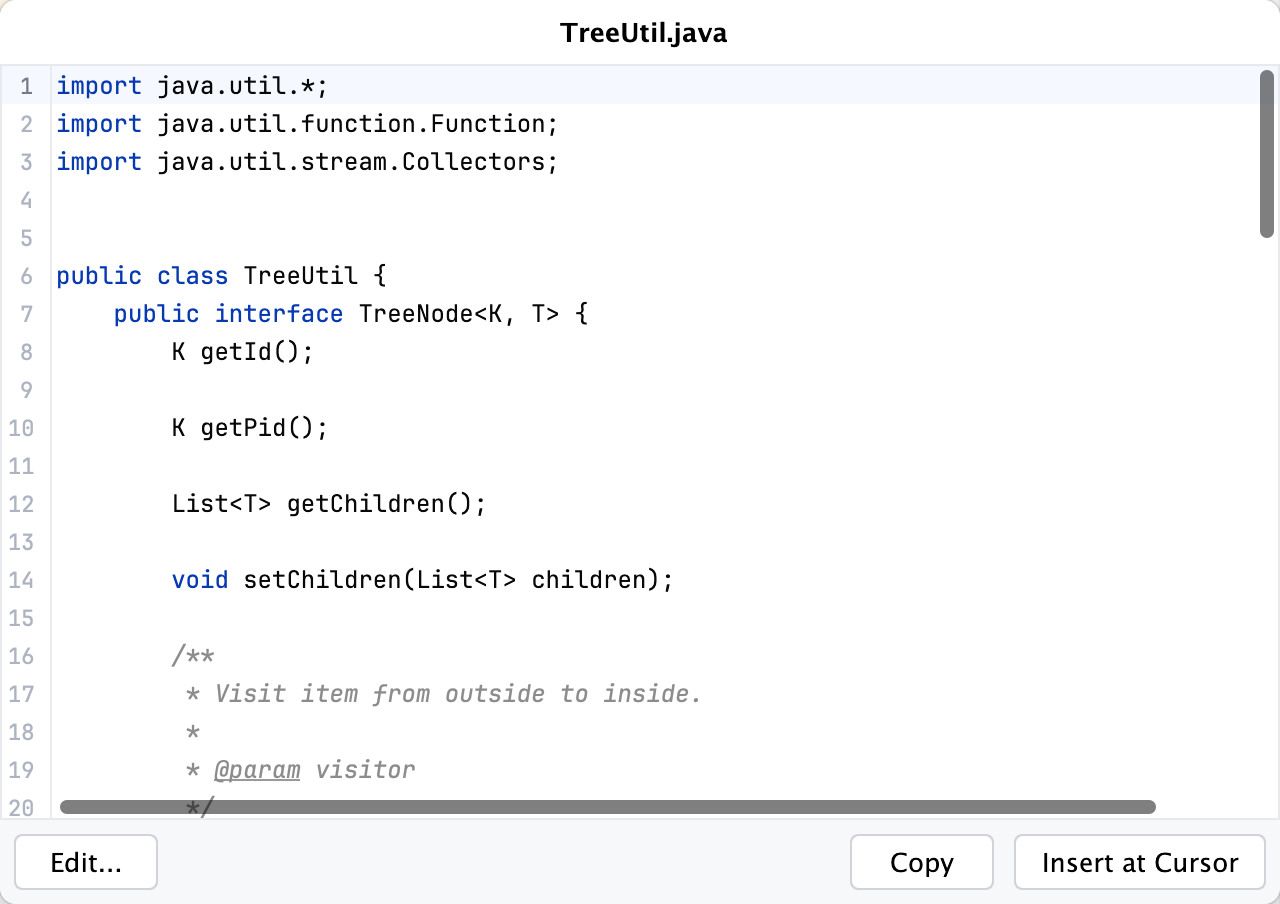
- Preview & insert — Click (or double-click) a file to open a floating preview popup with Insert at Cursor and Copy buttons.
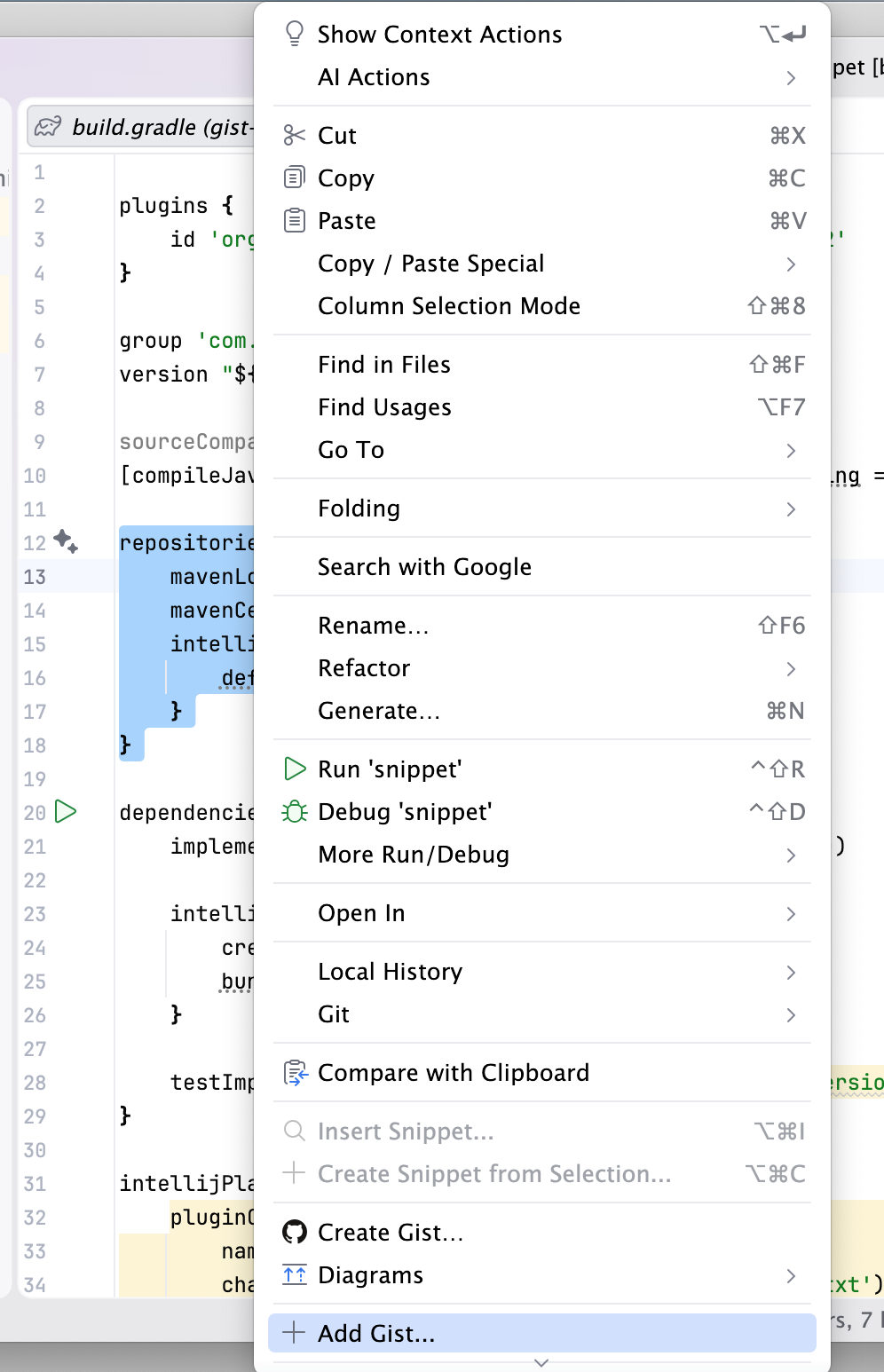
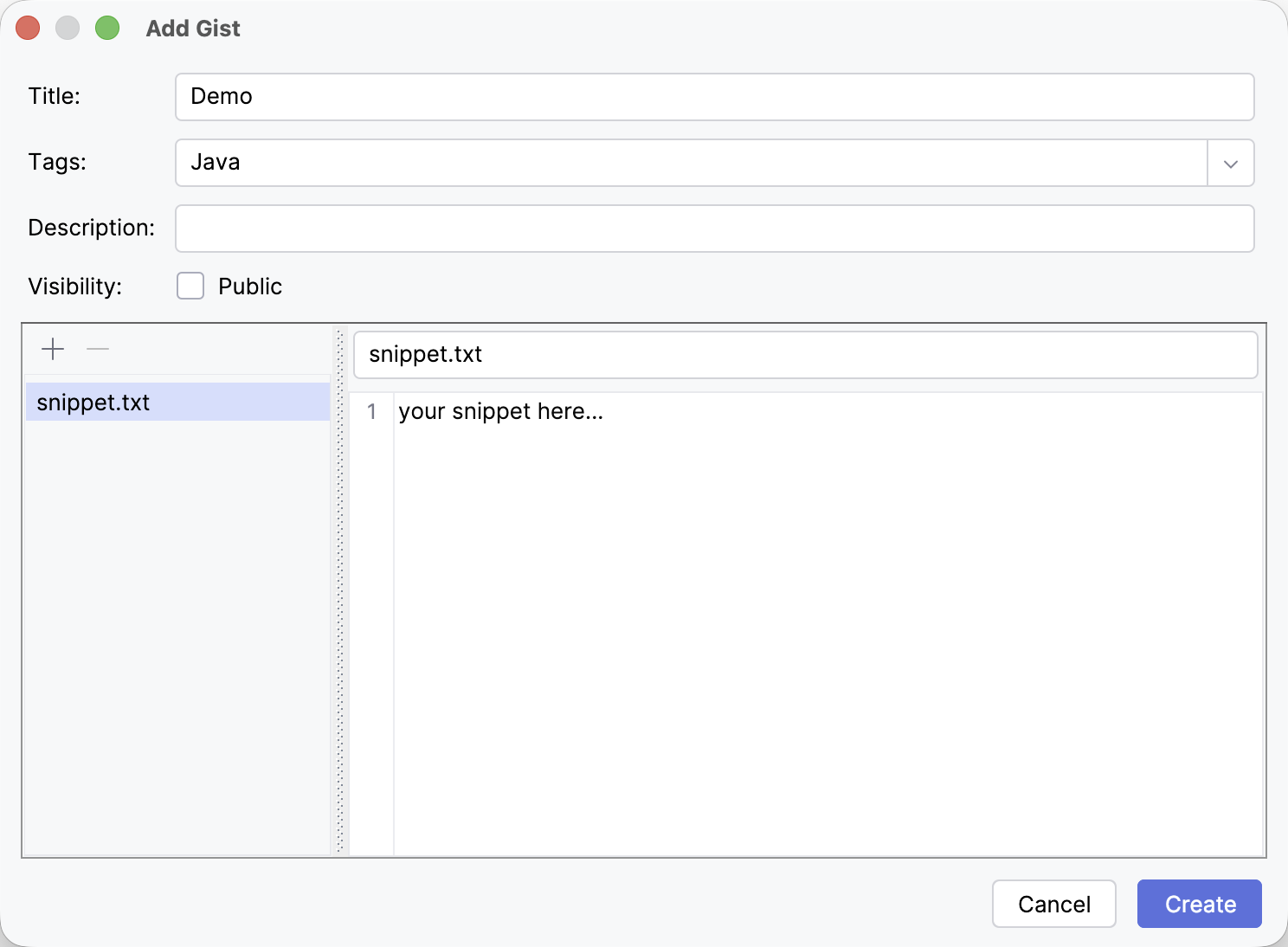
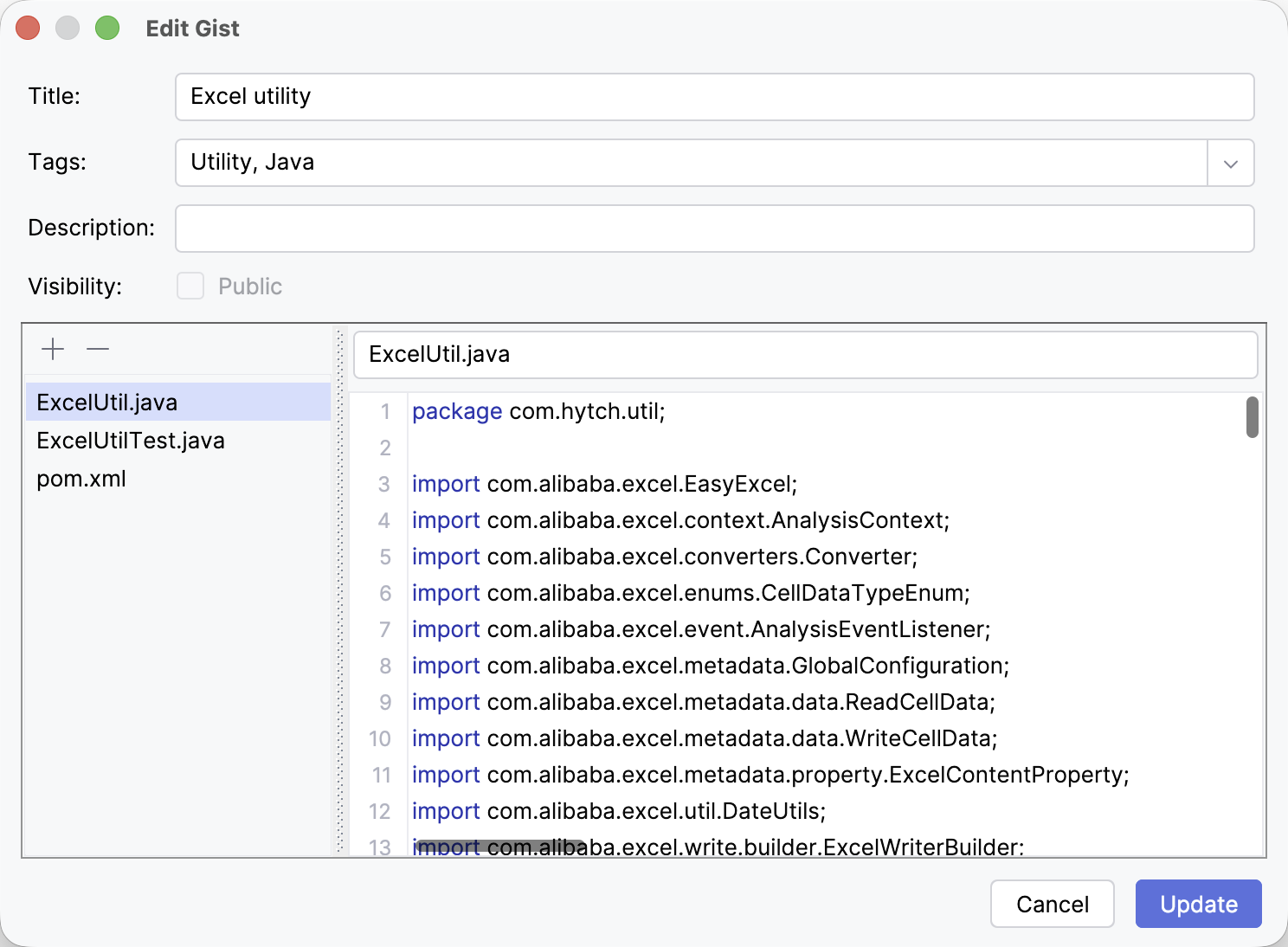
- CRUD — Create, edit, and delete gists directly from the IDE. The Add Gist action is also available in editor, project-view, and console context menus to quickly turn selected text into a gist.
- Auto-sync — Gists are cached locally and synced incrementally in the background using GitHub’s
sinceparameter, so the UI is always fast and works offline.
Requirements
- IntelliJ-based IDE (IC 2023.1 or later)
- Built-in GitHub plugin must be enabled and at least one GitHub account configured under Settings → Version Control → GitHub
Getting Started
- Install the plugin from the JetBrains Marketplace.
- Open the Gist Snippet tool window (left sidebar).
- If prompted, add a GitHub account via Settings → Version Control → GitHub.
- Use the toolbar to switch between Own and Starred gists, apply filters, or create a new gist.
Settings
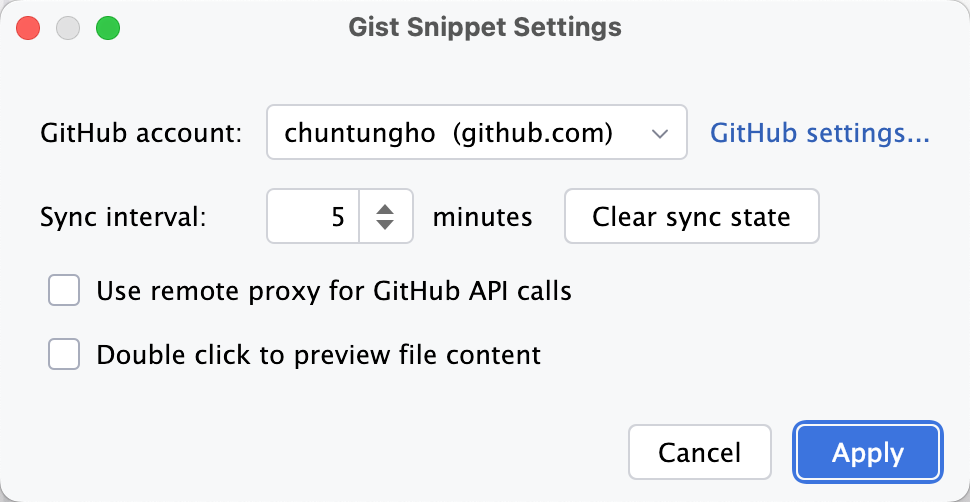
Open the settings dialog from the tool window toolbar (gear icon):
| Setting | Default | Description |
|---|---|---|
| GitHub account | — | Which account’s gists to load |
| Sync interval | 5 min | How often to check GitHub for changes |
| Use remote proxy | off | Route API calls through remote server when network is blocked |
| Double click to preview | off | Require double-click instead of single-click to open the preview popup |
Snapshots
Tool Window
Add action on popup menu
Preview
Add Dialog
Edit Dialog
Settings